




POE cameras could be added into NVR which supports POE function with both Manual mode and Plug-and-Play mode. When applying the Plug-and-Play mode, please kindly make sure the password of the camera is the same with the NVR, or you could set the password of the camera to 12345.
Step :
1. Connect your camera to the POE port of the switch. Connect your NVR to the same switch.
2. Go to Camera Management->Camera->IP Camera, select any channel and click Edit.
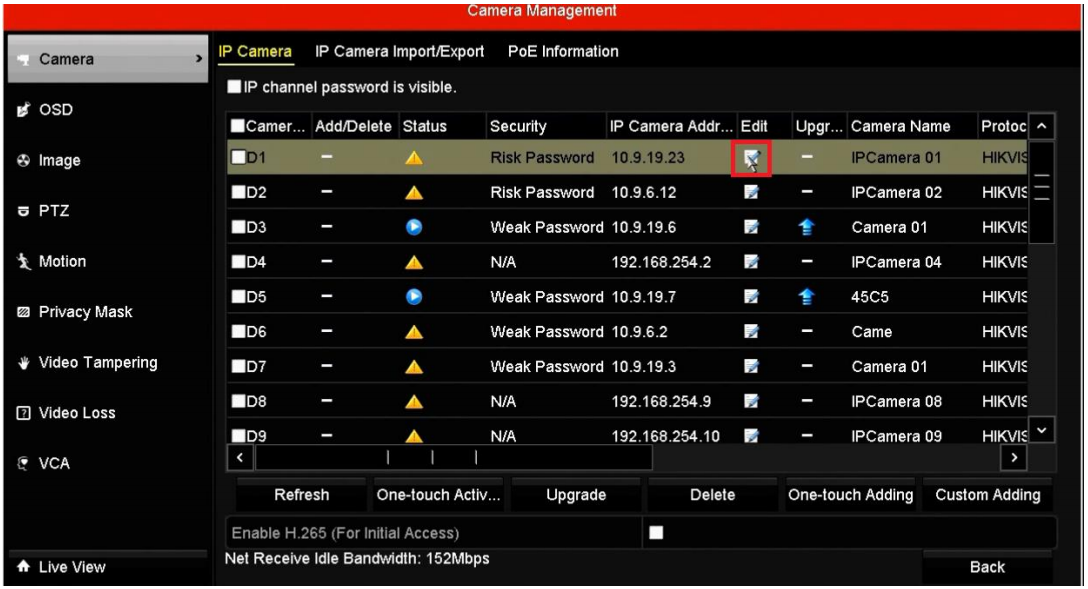
3. Select Manual, type in the IP Camera Address & User Name & Admin Password, click OK.

Note :
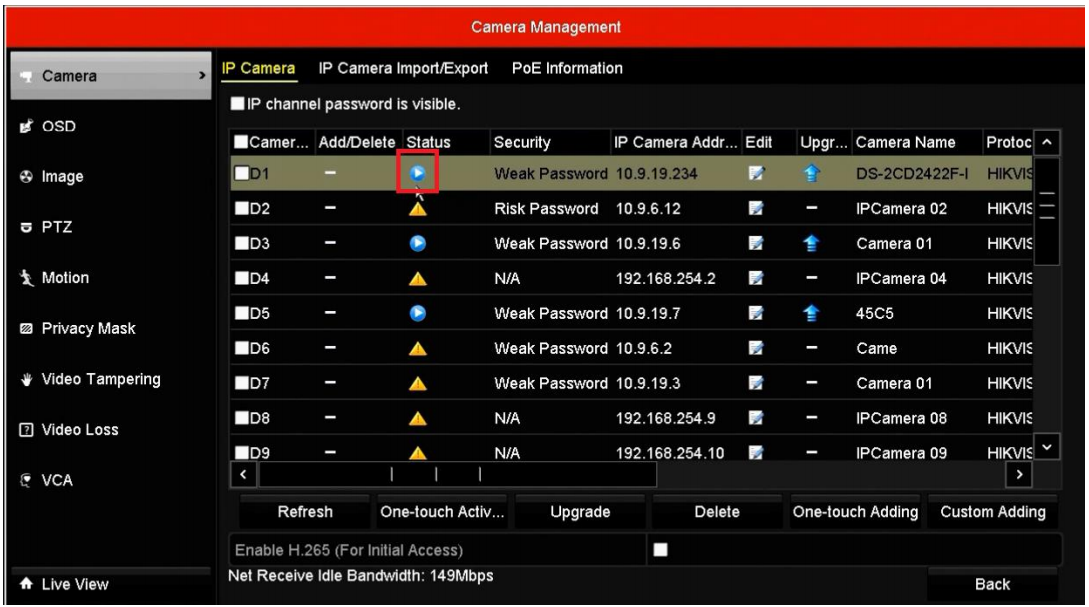
1. If you select the Manual mode to add the IPC with POE function, the password of the IPC could be different from NVR.
2. Do not press One- touch Adding unless the cameras’ passwords are the same with the NVR password or the password of the camera is 12345.